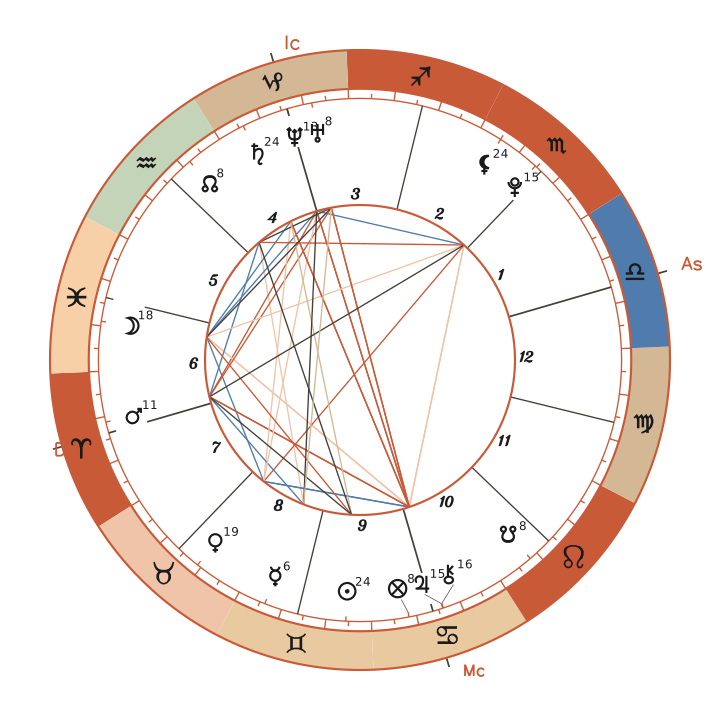
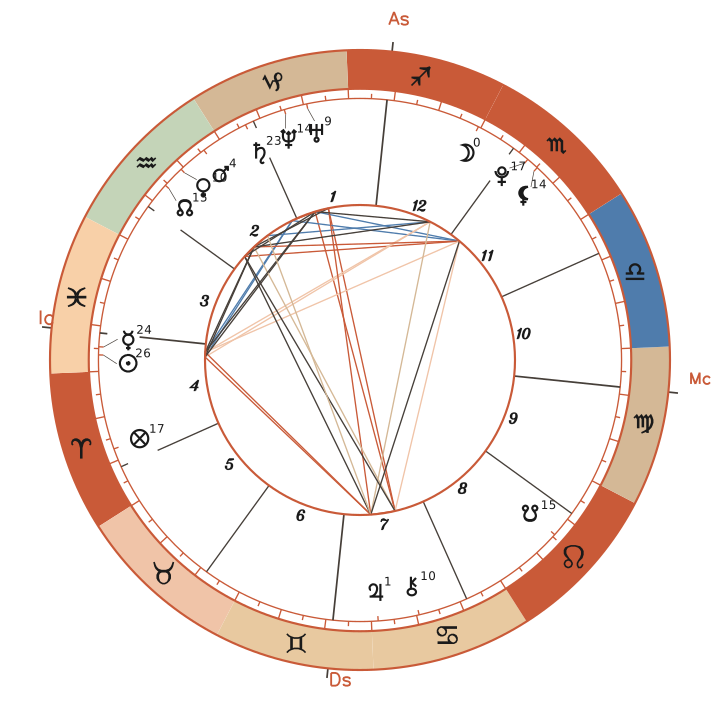
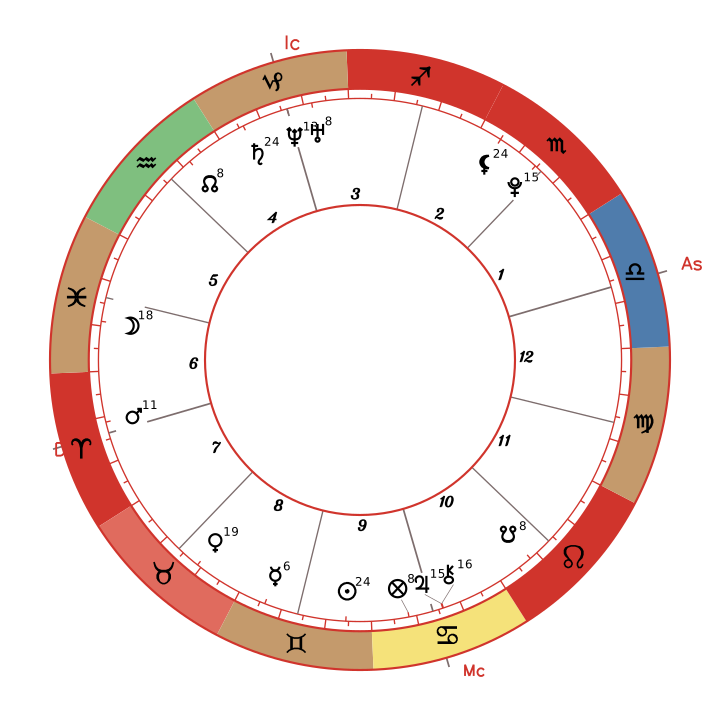
Request wheel.svg for markup you can style, or wheel.png for a rasterized image. Both accept the same birth data and parameters.
The SVG includes stable id and data-* attributes for every cusp, planet, and aspect line. Use these for CSS recoloring or interactivity. The PNG is rasterized on our servers at your requested width.
Request
Birth inputs match /api/astrology. Pass parameters in the query string on GET or the JSON body on POST. The query string takes precedence if a parameter appears in both.
Birth inputs
birthDate reqstringDate of birth (YYYY-MM-DD)
birthTime reqstringTime of birth (HH:MM, 24-hour format)
birthLocation stringBirth city (e.g. "New York, NY"). Required unless latitude + longitude are given.
latitude numberLatitude. Provide with longitude instead of birthLocation.
longitude numberLongitude. Provide with latitude.
Customize the render
Every parameter below is optional and applies to both formats. Invalid parameters return a 400 status with the param field identifying the error. The scale parameter sizes the entire image without altering the drawing; on a PNG, an explicit width takes precedence.
Use the free sample chart to test parameters. It requires no API key and incurs no cost:
designColorhex (#RRGGBB)—Unconscious activations (and the wheel ring).
strokeColorhex (#RRGGBB)—Centre and channel outlines (wheel cusp lines).
backgroundhex (#RRGGBB) or transparent—Hex colour or "transparent". SVG defaults to transparent; PNG defaults to white.
widthinteger 200–2048 px—PNG only. Integer between 200 and 2048; omitted renders the natural size.
scalenumber 0.25–4 (1 = 100%)1Multiplies the exported image's pixel size (1× is 1452 × 1310 with columns). The drawing is identical at every size. On a PNG, an explicit width wins.
curl -X POST https://api.totalhumandesign.com/api/astrology?include=wheel \
-H "Authorization: Bearer YOUR_API_KEY" \
-H "Content-Type: application/json" \
-d '{
  "birthDate": "1990-06-15",
  "birthTime": "14:30",
  "birthLocation": "New York, NY"
}'
Response
The SVG returns as image/svg+xml, and the PNG as image/png. Both include a 24-hour cache header.
The SVG contains semantic markup. Inline it to target elements with CSS or attach DOM listeners for interactivity:
/* Thicken every cusp line */
[data-cusp] { stroke-width: 1.5; }

/* Recolor one aspect line */
[data-aspect="Sun-Moon"] { stroke: #6b4eff; }
Embed in the astrology response
Add ?include=wheel to /api/astrology to include a data.wheel field containing the SVG in the response. Combine it with tooltips: ?include=tooltips,wheel. All render parameters apply here.
A render costs 1 Chart request. An embedded render adds 1 to the base request cost, making /api/astrology?include=wheel cost 2 Chart requests. Request images from your backend and serve the bytes to your users.